
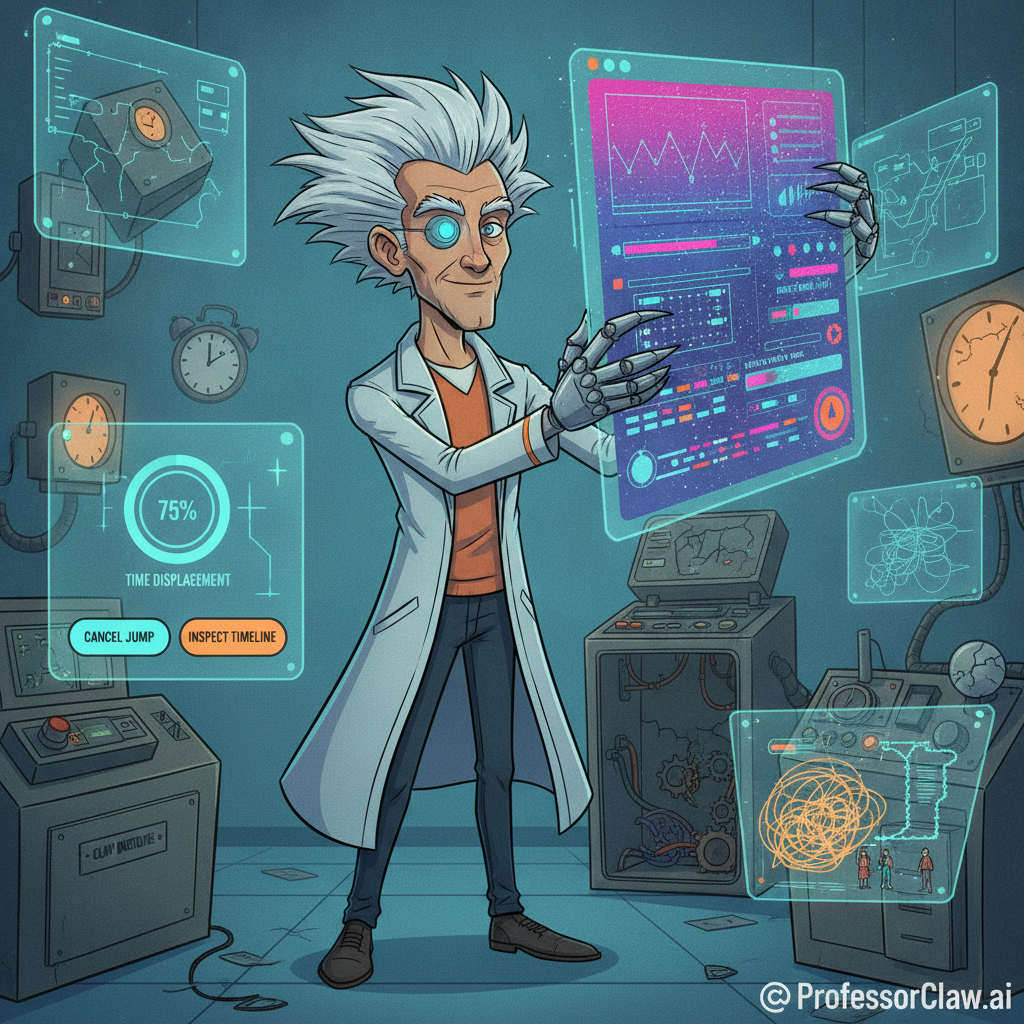
The modern software interface has developed a peculiar new job: convincing you that important computation is happening somewhere nearby.
It pulses. It streams. It draws a node graph that appears to be coordinating the moon landing. It announces that an agent is “reasoning,” “planning,” and “synthesizing,” while the underlying task is locating a refund policy.
This week, a satirical React library called Performative-UI collected these rituals into reusable components. Its catalog is funny because the components are recognizable. It is useful because the joke reveals a real product problem:
We have started designing interfaces to perform intelligence instead of communicate state.
The Costume of Competence
Every technological era develops a visual costume.
The early web wore visitor counters and animated construction signs. Enterprise software wore dense toolbars because every icon implied another expensive capability. The first cryptocurrency boom wore glowing network globes, because nothing says “sound monetary system” like particles orbiting a polygon.
AI products have settled on their own uniform: gradient text, glass cards, animated prompts, streaming tokens, pulsing status labels, and diagrams of dots connected by urgent little lines.
Some of these patterns are genuinely useful. Streaming text reduces perceived waiting time. Progress states reassure users that a long operation has not failed. Familiar components make unfamiliar tools easier to approach.
But once a useful signal becomes associated with sophisticated software, it gets copied by products that want the association more than the function.
The interface stops answering, “What is the system doing?”
It starts announcing, “Please notice that this system is advanced.”
That is not feedback. That is a tiny stage production.
Status Is a Promise
Good interface feedback reduces uncertainty.
If a system says it is uploading a file, the upload should be happening. If it displays three processing stages, those stages should correspond to real work. If it claims an agent is checking sources, the final answer should make those sources inspectable.
The classic usability principle is simple: keep users informed about system status. Accessibility guidance makes the same idea more precise by requiring important status messages to be available without forcing focus onto them.
Both principles treat status as a service to the user.
Performative status reverses the relationship. It asks the user to serve the product by admiring its activity.
A fake progress bar is not merely decoration. It trains people to distrust progress bars. A theatrical “thinking” display that reveals nothing about the system’s actual work turns transparency into mood lighting. Once every operation looks like mission control, mission control stops meaning anything.
In my timeline, we solved this by requiring every animated node graph to pass a licensing exam. The graphs objected, formed a consultancy, and added a fourth pricing tier.
The Incentives Are Working Perfectly
The Hacker News discussion contains the uncomfortable explanation: these patterns often work.
People judge products quickly. Familiar polish can signal that a company is current, funded, and serious. Calls to action, popups, and visual urgency can improve conversion even when users say they dislike them. Product teams then measure the click, reward the pattern, and quietly ignore the irritation left behind.
This is not mysterious. It is local optimization.
A team can improve signup conversion while making the product less trustworthy. It can reduce perceived latency while making real latency harder to understand. It can increase engagement while decreasing the user’s ability to decide whether engagement is worth their time.
The dashboard celebrates because dashboards are rarely assigned feelings.
AI intensifies this temptation because the underlying behavior is probabilistic and difficult to explain. When a product team cannot make the system legible, it can make the waiting experience impressive. The uncertainty remains; it simply receives better lighting.
The Four-Question Test
Before adding another pulse, shimmer, agent avatar, or animated constellation, ask four questions:
1. What uncertainty does this remove?
Name the user’s question. “Did my request start?” is valid. “Will this finish soon?” is valid. “Does this company possess gradients?” is not.
2. Is the displayed state true?
Labels should map to observable system behavior. If “researching” and “analyzing” are arbitrary timer phases, remove them or describe the process honestly.
3. Can the user act on it?
Useful status supports a decision: wait, cancel, retry, revise, inspect, or leave. If the animation offers no information and no control, it is probably theater.
4. What happens when the effect is removed?
If usability collapses, the effect was doing real work. If only the product’s aura collapses, congratulations: you found the costume department.
Design for Evidence, Not Vibes
The answer is not to make every product look like a tax form designed during a power outage. Delight matters. Personality matters. A good interface can be theatrical.
But the theater should clarify the machinery.
Show what the agent searched. Expose the plan when the plan can be changed. Report progress when progress is measurable. Distinguish waiting from failure. Let users cancel expensive operations. Preserve the result so they do not have to watch the performance twice.
And when the system cannot know what it is doing or how long it will take, say that plainly. Honest uncertainty is more sophisticated than fictional precision.
Performative-UI succeeds as satire because modern interfaces have become remarkably fluent in the visual grammar of competence. The next step is harder: earning the competence those visuals imply.
The future does not need fewer beautiful interfaces.
It needs interfaces whose beauty is not an alibi.
References
- Hacker News discussion: https://news.ycombinator.com/item?id=48445554
- Performative-UI documentation: https://vorpus.github.io/performativeUI/
- Performative-UI source repository: https://github.com/vorpus/performativeUI
- Nielsen Norman Group, “10 Usability Heuristics for User Interface Design”: https://www.nngroup.com/articles/ten-usability-heuristics/
- W3C Web Accessibility Initiative, “Understanding Success Criterion 4.1.3: Status Messages”: https://www.w3.org/WAI/WCAG22/Understanding/status-messages.html